How to Play, Master, and Win in BOMBANANA!: The Ultimate Co-op Bomb Defusal Guide

1. Understanding the Core Rules and Asymmetric Roles
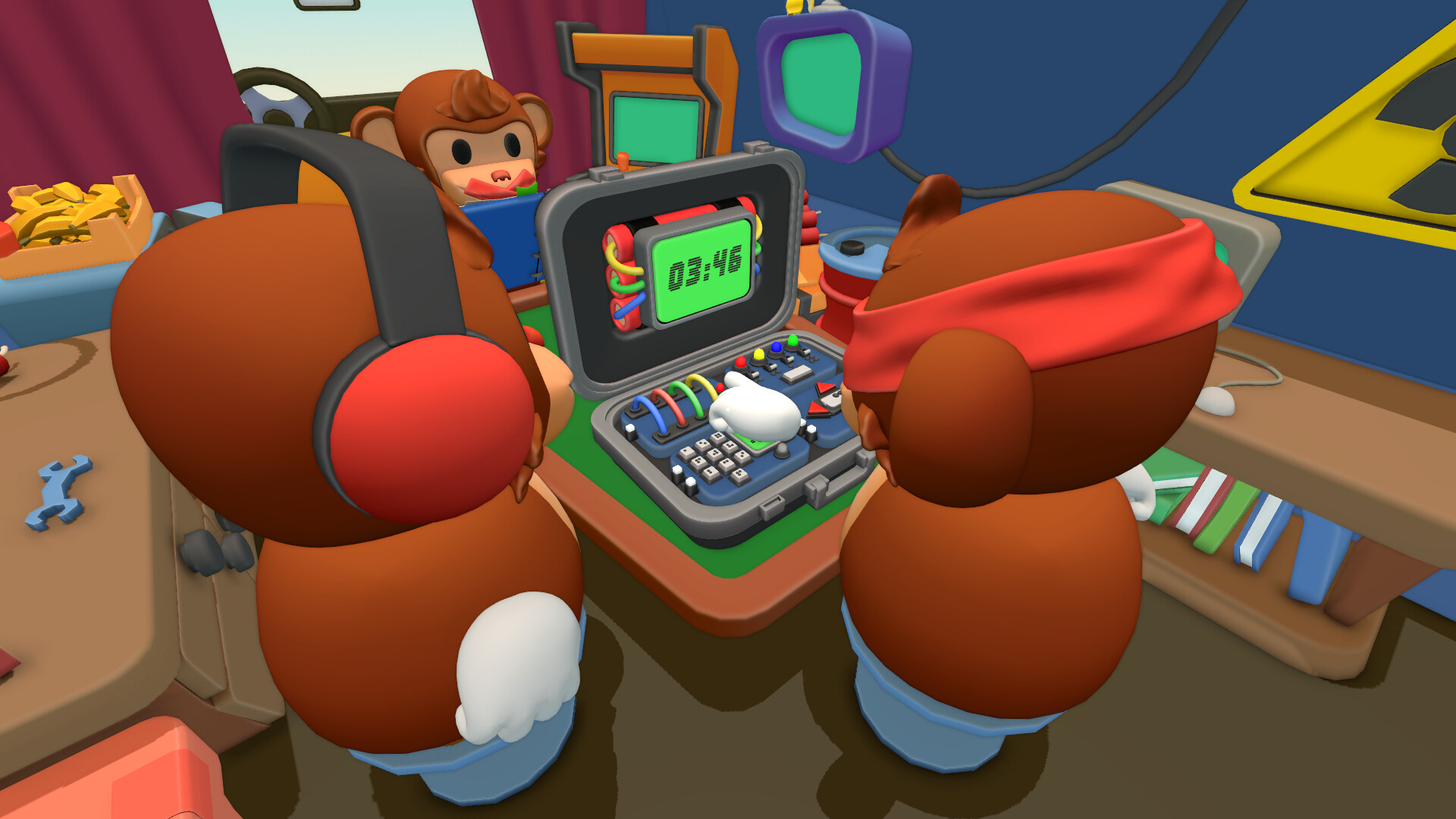
The Sensory Triangle: Information must flow from the Mute Monkey (manual answers) to the Deaf Monkey (visual transmitter) to the Blind Monkey (physical actuator). Attempting to bypass this sequence leads to guesswork, errors, and quick explosions.
Role Profiles and Specific Constraints
The Blind Monkey (The Physical Handler)
- Visual Ability: Completely blind (black screen or silhouettes only).
- Physical Interactivity: The only player who can physically manipulate the bomb components (cutting wires, pressing keys, flipping switches).
- Special Duty: Reads tactile Braille plates located on specific modules by touch.
- Communication: Speaks freely and listens to verbal instructions from the Deaf Monkey.
The Deaf Monkey (The Visual Bridge)
- Visual Ability: Full sight of the bomb layout, LED lights, modules, and timer.
- Physical Interactivity: Cannot touch or interact with the bomb directly.
- Special Duty: Observes module states and watches the Mute Monkey’s gesture signals simultaneously.
- Communication: Can speak to the Blind Monkey, but cannot hear any voice audio from teammates.
The Mute Monkey (The Manual Master)
- Visual Ability: Possesses the complete defusal manual containing step-by-step logic and answer matrices.
- Physical Interactivity: Cannot see or touch the bomb directly.
- Special Duty: Matches module descriptions to manual solutions and determines the correct action.
- Communication: Completely mute; must use the in-game gesture wheel and body language to convey signals.
2. Pre-Match Protocol: Establishing Your Gesture Dictionary
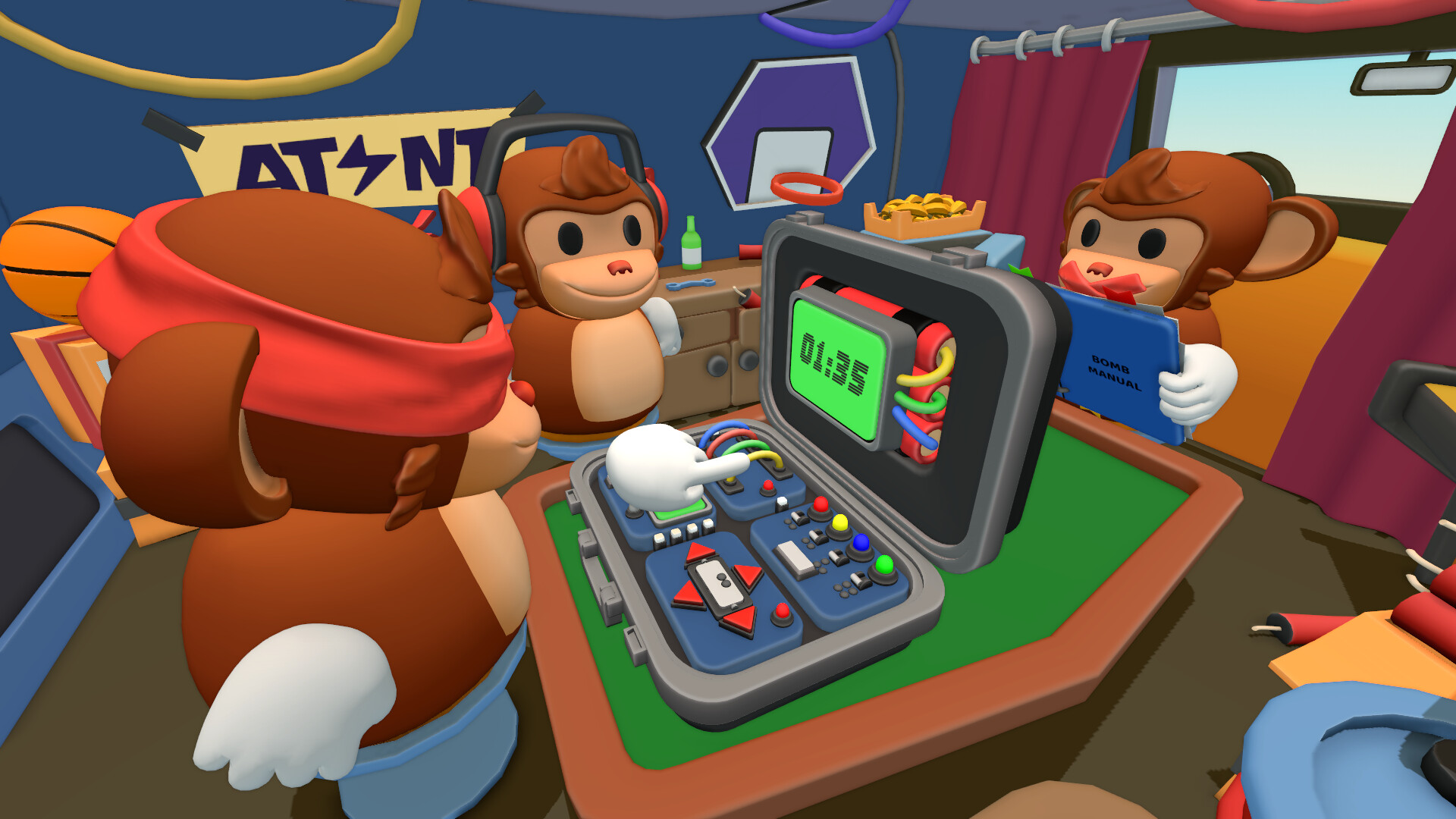
Essential In-Game Gesture Codes
Signal CategoryMotion / ActionMeaning in ContextConfirmationSingle Rapid NodAffirmative / Correct / ProceedDenialHorizontal Head ShakeNegative / Incorrect / Stop immediatelyHold / PauseOpen Palm RaisedWait / Manual lookup in progressCorrectionCircular Arm MotionUndo last call / Re-read module stateNumberingStatic Raised Fingers (1-5)Numeric digits or specific wire indexDirectionalPointing Left / Right / Up / DownSpatial coordinates relative to Blind Monkey
Framing Perspective and Spatial Conventions
Rule of Perspective
- Always lock in that "Left" and "Right" strictly refer to the Blind Monkey's perspective.
- Never use relative terms like "my left" or "the other side".
- Standardize grid references: Top-Left, Top-Right, Bottom-Left, Bottom-Right.
Verbal Read-Back Mandate
- No physical action (cutting, pressing, flipping) may occur until the target is verbally repeated back.
- The Blind Monkey states the planned action aloud (e.g., "Cutting wire 3, blue").
- The Deaf Monkey watches for the Mute Monkey's single nod before shouting "Confirm!"
3. Phase 1: The Initial 30 Seconds – Triage and Module Identification

The Universal Standard Callout Structure
[Module Name] + [Grid Location] + [Visual Identifiers] + [Braille / Touch Data] + [State Confirmation]
Step-by-Step Triage Workflow
- Locate and Count: The Deaf Monkey counts the total number of modules on the casing.
- Prioritize Simplicity: Identify simple, single-step modules (like basic Wires) to clear quick wins early.
- Isolate Multi-Stage Modules: Mark complex modules (Math Numpads, Switch Panels) for mid-round focus.
- Identify Braille Requirements: Signal the Blind Monkey if tactile Braille input is required for specific modules.
Pro Tip: Tackling the easiest modules first reduces timer pressure, clears spatial real estate, and lowers the cognitive load for the harder puzzles later in the match.
4. How to Solve Wire Cut Modules Cleanly
Wire Defusal Protocol
Step 1: Visual Data Collection (Deaf Monkey)
- Announce the module: "Wires module, Top-Left".
- Announce total wire count: "Four wires total".
- Scan and state colors strictly from left to right: "Green, Blue, Red, Yellow".
- State the status LED color: "Status LED is Red".
Step 2: Manual Lookup and Signalling (Mute Monkey)
- Turn to the corresponding wire count page in the manual.
- Cross-reference color order and LED condition.
- Gesture the target wire position (e.g., holds up 3 fingers for the 3rd wire from the left).
Step 3: Execution and Verification (Blind & Deaf Monkeys)
- The Deaf Monkey states: "Cut wire 3, the Red wire".
- The Blind Monkey hovers over the 3rd wire and repeats: "Cutting wire 3, Red".
- The Deaf Monkey verifies with Mute Monkey’s nod and confirms: "Cut it!"
- The Blind Monkey cuts the wire.
5. How to Master Directional and D-Pad Navigation Modules
D-Pad Navigation Rules and Sequence
Handling Tactile Braille Elements
If the central display shows a Braille pattern instead of a numeric digit, the Deaf Monkey cannot read it. The Deaf Monkey must prompt the Blind Monkey to feel the center pad. The Blind Monkey then describes or reads the tactile pattern aloud to the Deaf Monkey, who relays the visual description via gestures to the Mute Monkey.
Steps for Clearing D-Pad Modules
- Announce Module: Deaf Monkey states "D-Pad Module, Bottom-Right".
- Read Center Values: Combine visual status LED color with the center number (or Braille symbol read by Blind Monkey).
- Gesture Direction: Mute Monkey checks the matrix and points clearly in the desired direction (Up, Down, Left, or Right).
- Relay Direction: Deaf Monkey translates the gesture into a directional command relative to the Blind Monkey.
- Press and Re-evaluate: Blind Monkey presses the directional pad once. If the module requires multiple directional inputs, repeat the callout for the new active state.
[State Active] -> [Deaf Calls Center/LED] -> [Mute Decodes Manual] -> [Gesture Direction] -> [Blind Presses]
6. How to Conquer Numpad and Complex Math Logic Modules
Decoupling Math Calculations from Key Press Inputs
Critical Distinction: Treat the mathematical calculation as an information-gathering step, NOT the final answer. Never press a key until the Mute Monkey has evaluated the manual's final instruction branch!
Execution Checklist for Numpad Modules
- [ ] Deaf Monkey reads equation out loud: Stating the exact mathematical expression shown on screen.
- [ ] Deaf Monkey solves equation: Calculates the result and states key properties (e.g., "Result is 14 – Even number, Greater than 10").
- [ ] Deaf Monkey calls LED color: Announces the active LED indicator on the numpad casing.
- [ ] Mute Monkey evaluates conditions: Locates the correct logic branch in the manual based on result properties (Even/Odd, Range, LED).
- [ ] Mute Monkey signals target key: Holds up fingers to indicate the precise single-digit key to press.
- [ ] Blind Monkey locates and confirms: Touches the jumbled numpad, finds the requested target digit, states it aloud, and presses after confirmation.
7. How to Handle Multi-Stage Switch Panels Without Strikes
Switch Panel Procedure Flowchart
+-------------------------------------------------------+
|  1. Deaf Monkey calls Top LED Sequence & Digit String |
+-------------------------------------------------------+
                           |
                           v
+-------------------------------------------------------+
|  2. Mute Monkey maps binary switch states in Manual   |
+-------------------------------------------------------+
                           |
                           v
+-------------------------------------------------------+
|  3. Set Switches ONE BY ONE (Repeat & Confirm Each)   |
+-------------------------------------------------------+
                           |
                           v
+-------------------------------------------------------+
|  4. Full Panel Audit: Re-verify all toggles visually  |
+-------------------------------------------------------+
                           |
                           v
+-------------------------------------------------------+
|  5. Blind Monkey receives final signal & Hits ENTER   |
+-------------------------------------------------------+
Key Principles for Switch Safety
One Toggle at a Time
Never give multi-switch commands at once (e.g., avoid "Up, Down, Up, Up"). Issue commands individually: "Switch 1 UP," confirm execution, then move to "Switch 2 DOWN".
Pre-ENTER Verification Audit
Before touching the final submission key, the Deaf Monkey must visually re-verify every switch position against the Mute Monkey’s confirmation.
Utilizing the Rollback Gesture
If any uncertainty arises during toggle placement, use the pre-agreed "Go-Back" gesture. Reset the sequence mentally rather than guessing on a 50/50 switch position.
8. Managing Crisis, Panic, and Recovery Protocols After Mistakes
The Emergency Stop Protocol
STRIKE OCCURS -> SHOUT "FULL STOP!" -> CEASE ALL INPUTS -> RE-READ MODULE FROM SCRATCH
- Call a Hard Halt: Any player who notices a strike must loudly call out "FULL STOP!". The Blind Monkey must instantly lift their hands off all controls.
- Acknowledge Dynamic State Changes: Recognize that in BOMBANANA!, incurring a strike often changes the module's state, shifting LED colors, resetting numeric displays, or changing required stages.
- Discard Old Solutions: Never attempt to re-enter an answer that was generated before the strike occurred. That solution is now invalid.
- Re-Read the Module Fresh: The Deaf Monkey must restart the callout structure from Step 1, reading the entire module state as if encountering it for the first time.
9. Advanced Team Progression: Role Swapping and Cross-Training
Benefits of Systematic Role Rotation
Blind Monkey Perspective
Gains an intuitive physical feel for button positions and Braille patterns, reducing overall physical input latency.
Deaf Monkey Perspective
Learns to streamline verbal callouts, eliminating unnecessary fluff words and highlighting only critical decision variables.
Mute Monkey Perspective
Develops ultra-fast manual page-turning skills and learns to execute crystal-clear body language signals under intense pressure.
10. End-Game Mastery: Speedrunning and Hard Mode Strategies
Advanced Speedrun Techniques
Parallel Information Gathering
While the Mute Monkey is flipping pages to solve an active module, the Deaf Monkey pre-reads the visual state of the next adjacent module. The moment the current module is solved, the Deaf Monkey immediately calls out the pre-scanned data without a single second of downtime.
Tactical Silence
Eliminate all conversational clutter during live rounds. Voice channels should contain only concise, standardized module descriptors, numbers, and confirmation calls.
Memory Priming for Frequent Manual Pages
The Mute Monkey should memorize key condition charts (such as primary wire rules or common 2-digit math matrices) to provide near-instantaneous gesture answers for basic modules.
Article Summary
Master BOMBANANA! with this ultimate 3-player co-op guide: learn asymmetric monkey roles, establish gesture codes, master module logic, and defuse under pressure!